
WebP Image Converter
🔄 WebP Image Converter
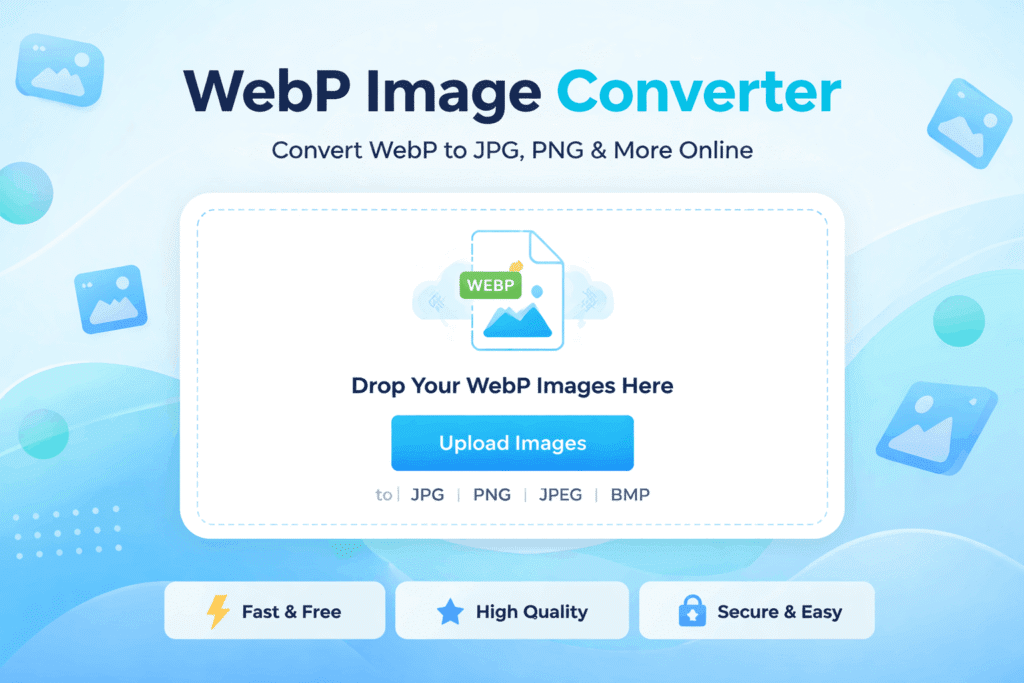
A WebP Image Converter helps you change WebP image files into popular formats like JPG, PNG, or JPEG so they can be used everywhere without issues. WebP is a modern image format developed by Google to reduce file size and improve website speed, but it is not always supported by every platform or tool.
Many users download images from websites and later realize they cannot open or upload them properly because the file is in WebP format. Instead of struggling with software or plugins, an online WebP Image Converter offers a quick and easy solution. It works directly in your browser and converts images in seconds.
This article explains what WebP images are, why conversion is needed, how online converters work, and how to use them safely for daily tasks like blogging, design, and web publishing.
What Is WebP Format and Why Conversion Is Needed
WebP is an image format created by Google to make images smaller while keeping good visual quality. Smaller images help websites load faster, which improves user experience and search engine rankings. Because of this, many modern websites now serve images in WebP format.
However, WebP still has some limitations. Not all image viewers, editing tools, or content management systems fully support it. Users often face problems when trying to open WebP files on older devices or upload them to certain platforms.
This is where converting WebP images becomes important. By changing WebP files into formats like JPG or PNG, images become compatible with almost every tool and platform. A WebP Image Converter allows you to do this quickly without technical knowledge.
How an Online WebP Image Converter Works
Online converters are designed to keep the process simple and user-friendly. You do not need to install software or create an account. Everything happens inside your web browser.
First, you upload the WebP image from your device. Most tools support drag-and-drop, which makes uploading fast and easy. Once the image is uploaded, the system reads the file and prepares it for conversion.
Next, you choose the output format. JPG is commonly used for photos, while PNG is preferred when transparency is required. Some tools also offer JPEG or BMP options.
After selecting the format, you start the conversion. The tool processes the image and generates a new file in the selected format. You can then download the converted image instantly.
A reliable WebP Image Converter focuses on maintaining image quality while ensuring fast performance.
Important Features of a Reliable WebP Image Converter
Not all converters offer the same level of quality and safety. Choosing the right tool makes a big difference in results.
Speed is one of the most important features. A good converter should process images within seconds, even for larger files. Slow tools waste time and reduce productivity.
Image quality is equally important. The converted image should look as close as possible to the original. High-quality converters avoid unnecessary compression that can blur or distort images.
Security also matters. Trusted tools either process images locally or delete uploaded files automatically after conversion. This ensures your images are not stored or misused.
Batch conversion is another useful feature. It allows you to convert multiple WebP images at once, which is helpful for designers, bloggers, and website owners.
Common Use Cases for Converting WebP Images
WebP image conversion is useful in many real-world situations. Bloggers often need images in JPG or PNG format for compatibility with themes, plugins, or email newsletters.
Graphic designers may receive WebP files from clients or websites but need PNG or JPG formats for editing in design software. Conversion makes the workflow smooth.
Website owners and developers convert WebP images to ensure compatibility across browsers, apps, and third-party tools. This is especially important for older systems.
Social media managers also rely on converted images because some platforms handle traditional formats better. Converting images helps avoid upload errors or display issues.
Students and office users use converted images for presentations, documents, and reports where WebP is not supported.
Benefits of Using a Free Online WebP Image Converter
One major benefit of using an online tool is convenience. You can convert images anytime without downloading software or learning complex steps.
Most tools are free, which makes them ideal for freelancers, small businesses, and everyday users. There is no need to pay for expensive image editing programs just to convert formats.
Online converters work on all devices, including desktops, tablets, and smartphones. This flexibility allows you to handle image tasks wherever you are.
Another advantage is efficiency. A WebP Image Converter removes compatibility barriers and saves time, letting you focus on your actual work instead of technical problems.
FAQs About WebP Image Converter
What is a WebP Image Converter used for?
A WebP Image Converter is used to change WebP files into formats like JPG or PNG so they can be opened, edited, or shared easily.
Is using a WebP Image Converter safe?
Yes, trusted converters automatically delete uploaded files or process them securely, making them safe for regular use.
Will image quality reduce after conversion?
A good WebP Image Converter maintains high quality and minimizes any visible loss during conversion.
Can I convert multiple WebP images at once?
Many tools support batch conversion, allowing you to convert several images in one go.
Do I need to install software to convert WebP images?
No, an online WebP Image Converter works directly in your browser without downloads.
Is a WebP Image Converter free to use?
Most online converters are free and offer unlimited basic conversions.