
BEST IMAGE TO PDF CONVERTER ONLINE
Image to PDF Converter
Transform your images into professional PDFs with advanced customization.
Drag & Drop images here or browse
An image to PDF converter is one of the most useful online tools today. Whether you want to convert JPG to PDF, PNG to PDF, or multiple images into a single PDF file, this tool helps you do it quickly without any technical skills. In this guide, we’ll explain what an image to PDF converter is, why it’s useful, how it works, and how to choose the best image to PDF converter online for your needs — all in a simple, friendly way.
What Is an Image to PDF Converter?
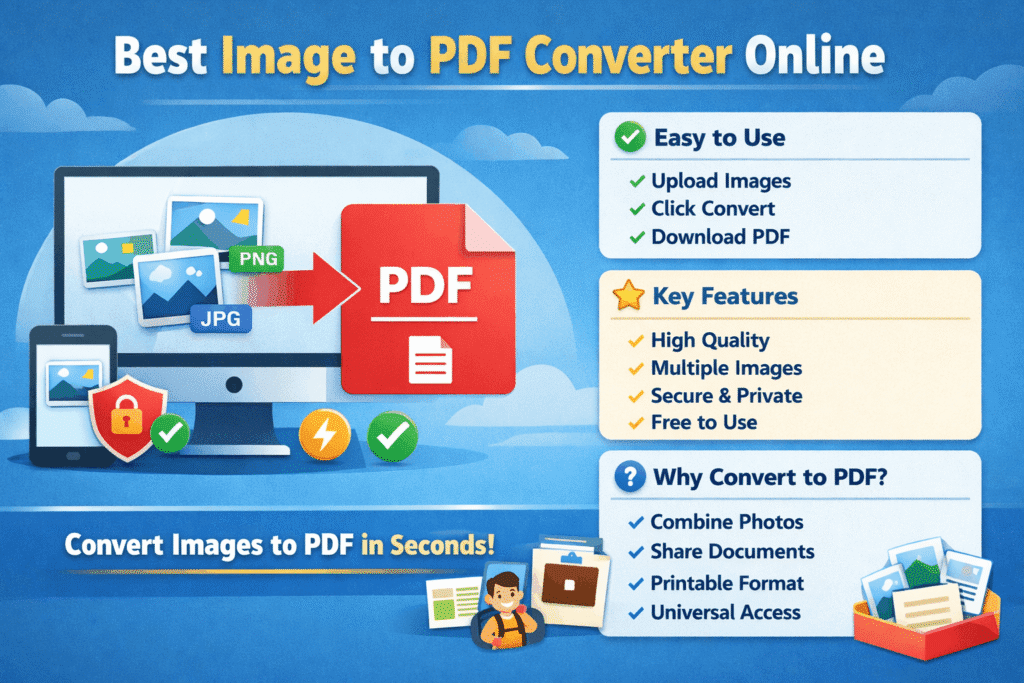
An image to PDF converter is an online tool that turns image files like JPG, PNG, WebP, or BMP into a PDF document. Instead of sharing multiple images separately, you can combine them into one clean, professional-looking PDF file.
People use image to PDF converters for:
Office documents
School assignments
Scanned documents
Invoices and receipts
ID proofs and forms
PDF files are easy to share, print, and open on any device, which is why this conversion is so popular.
Why Use the Best Image to PDF Converter Online?
Using the best image to PDF converter online saves time and effort. You don’t need to install any software, and you can convert files directly from your browser.
Here are some key benefits:
1. No Installation Required
Online tools work instantly. Just upload your images and convert them to PDF.
2. Works on All Devices
A good image to PDF converter works smoothly on mobile, tablet, and desktop.
3. Fast and Secure
Top tools process files quickly and delete them automatically for privacy.
4. Professional Output
PDFs look clean, organized, and are accepted everywhere.
How an Image to PDF Converter Works
The process is very simple and beginner-friendly:
Upload your image files (JPG, PNG, WebP, etc.)
Arrange images in the correct order (if needed)
Click the convert button
Download your PDF file
That’s it. No signup, no technical steps.
Supported Image Formats
A reliable image to PDF converter should support multiple formats, such as:
JPG / JPEG
PNG
WebP
BMP
GIF
This flexibility makes the tool useful for all types of users.
Key Features to Look for in the Best Image to PDF Converter Online
Not all tools are the same. Here are the most important features you should check before using any image to PDF converter:
1. High-Quality Conversion
The converted PDF should keep the original image quality without blur or distortion.
2. Multiple Image Upload
You should be able to convert multiple images into a single PDF file.
3. Drag and Drop Support
This makes the tool easy and user-friendly.
4. Secure File Handling
Your files should not be stored permanently on servers.
5. Free to Use
The best tools offer free image to PDF conversion without watermarks.
Image to PDF Converter for Students
Students often need to submit assignments, notes, or handwritten work in PDF format. An image to PDF converter helps them convert photos taken from a mobile camera into a single PDF file that looks neat and professional.
Common student use cases:
Homework submission
Project files
Exam forms
Notes sharing
Image to PDF Converter for Office and Business Use
In offices and businesses, PDF is the standard format. Using an image to PDF converter helps in:
Converting scanned documents
Making invoices and bills
Creating official reports
Sharing contracts securely
PDF files are widely accepted and trusted in professional environments.
Online Image to PDF Converter vs Software
Online Tools
No download required
Works instantly
Accessible anywhere
Ideal for quick tasks
Software Tools
Requires installation
Takes storage space
Often paid
Best for heavy or offline work
For most users, an online image to PDF converter is the better and faster choice.
Is It Safe to Use an Image to PDF Converter Online?
Yes, trusted image to PDF converters are safe to use. Good tools:
Use encrypted connections (HTTPS)
Automatically delete files after conversion
Do not ask for personal information
Always choose a converter from a reliable website and avoid uploading sensitive documents on unknown platforms.
Tips for Best Results
Use clear and high-resolution images
Crop unnecessary background before uploading
Arrange images in the correct order
Check the preview before downloading
These small steps improve the final PDF quality.
Common Problems and Simple Solutions
Problem: PDF looks blurry
Solution: Upload higher-quality images
Problem: Pages are in the wrong order
Solution: Rearrange images before converting
Problem: Large PDF file size
Solution: Use image compression if available
Who Should Use an Image to PDF Converter?
An image to PDF converter is useful for:
Students
Teachers
Office workers
Business owners
Freelancers
Anyone working with documents
It’s a simple tool with everyday value.
Conclusion
The best image to PDF converter online makes document handling easy, fast, and stress-free. With just a few clicks, you can convert images into a clean, professional PDF that works on any device. A good image to PDF converter saves time, keeps your files organized, and helps you share documents with confidence.
If you regularly work with images and documents, using a reliable image to PDF converter is a smart choice. Try a trusted online tool today and experience smooth, hassle-free conversion.
FAQs
Q1. What is an image to PDF converter?
An image to PDF converter is a tool that helps you change image files like JPG, PNG, or WebP into a PDF document. It’s useful for sharing, printing, and storing images in one secure file.
Q2. Is an online image to PDF converter free to use?
Yes, most online image to PDF converter tools are free. You can convert images to PDF without paying or creating an account, especially for basic use.
Q3. Can I convert multiple images into one PDF file?
Absolutely. A good image to PDF converter allows you to upload multiple images and merge them into a single PDF in the order you choose.
Q4. Will my image quality reduce after converting to PDF?
No, a reliable image to PDF converter keeps the original image quality intact. For best results, always upload clear and high-resolution images
Q5. Is it safe to use an image to PDF converter online?
Yes, trusted tools are safe. They use secure connections and automatically delete your files after conversion to protect your privacy.
Q6. Which image formats are supported by image to PDF converters?
Most tools support JPG, JPEG, PNG, WebP, BMP, and GIF formats, making them flexible for different needs.
Q7. Can I use an image to PDF converter on mobile?
Yes, the best image to PDF converter online works smoothly on mobile phones, tablets, and desktops without any issues.
Q8. Do I need to install any software to convert images to PDF?
No installation is required. Online image to PDF converters work directly in your web browser.
Q9. How long does it take to convert images to PDF?
The conversion usually takes only a few seconds, depending on image size and internet speed.
Q10. Who should use an image to PDF converter?
Students, office workers, freelancers, business owners, and anyone who works with documents can benefit from using an image to PDF converter.